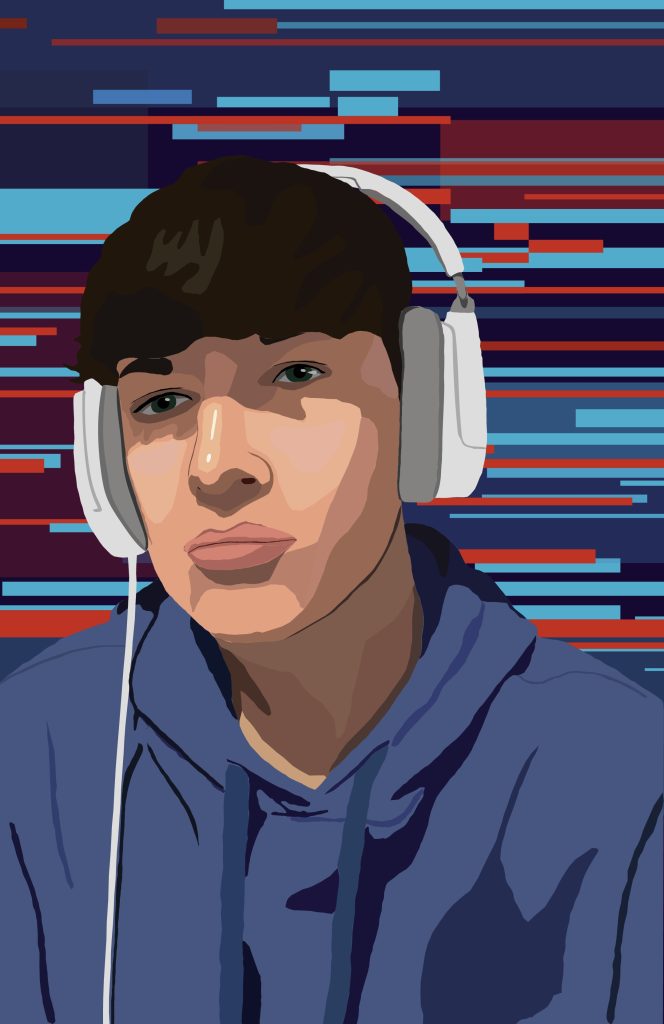
When creating my first illustrator portrait I was heavily inspired by the realistically designed vector portraits. However I couldn’t just take any random photo with no meaning so I have done one that includes something to do with something I enjoy. I took a picture of me with my headphones on since I love playing video games and listening to music so it just felt right to include it. I also like the darker areas on my face that show the shadows from my hair.
To create my realistic effect I worked over the actual image and layered different vector shapes using the pen tool. It was quite difficult using the pen tool because to create a curve you have to make many vector points. The background was made using the eclipse tool and was inspired by a glitch design which I associate with gaming and technology.
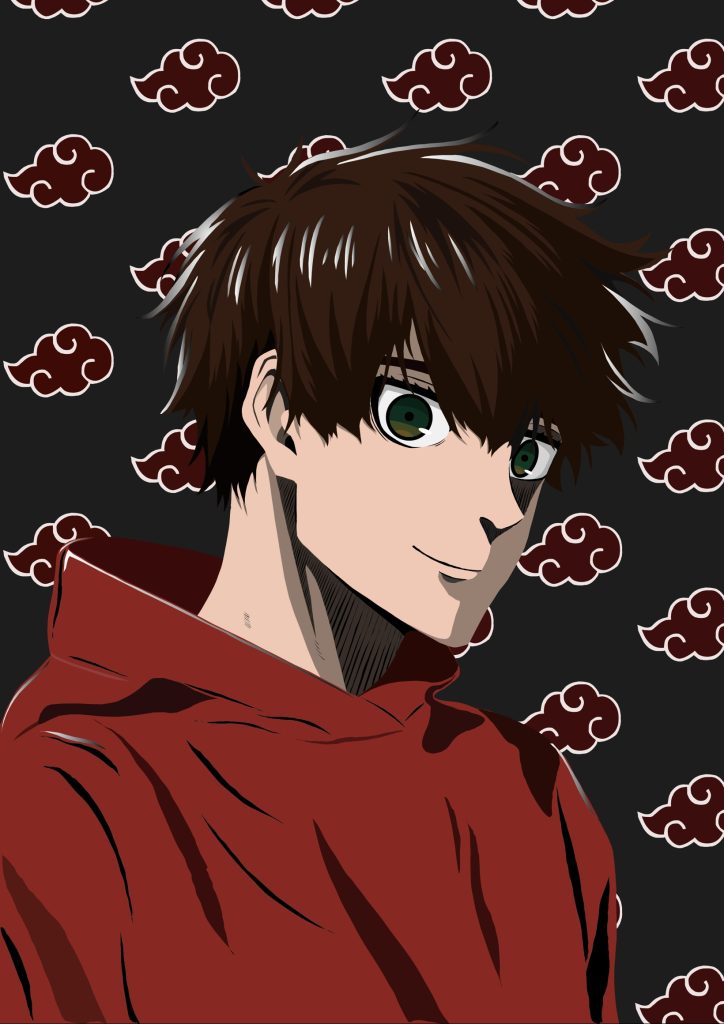
My second vector portrait made in adobe illustrator has been created in the style of ‘anime’. Anime art often features bold colours, unique art styles and character designs with stylised features. I created an anime version of myself in the style heavily inspired by the art seen in ‘Blue Lock’. To do this I worked over a photo of myself and merged it with art from Blue Lock and designed it to fit my facial features using the pen tool.
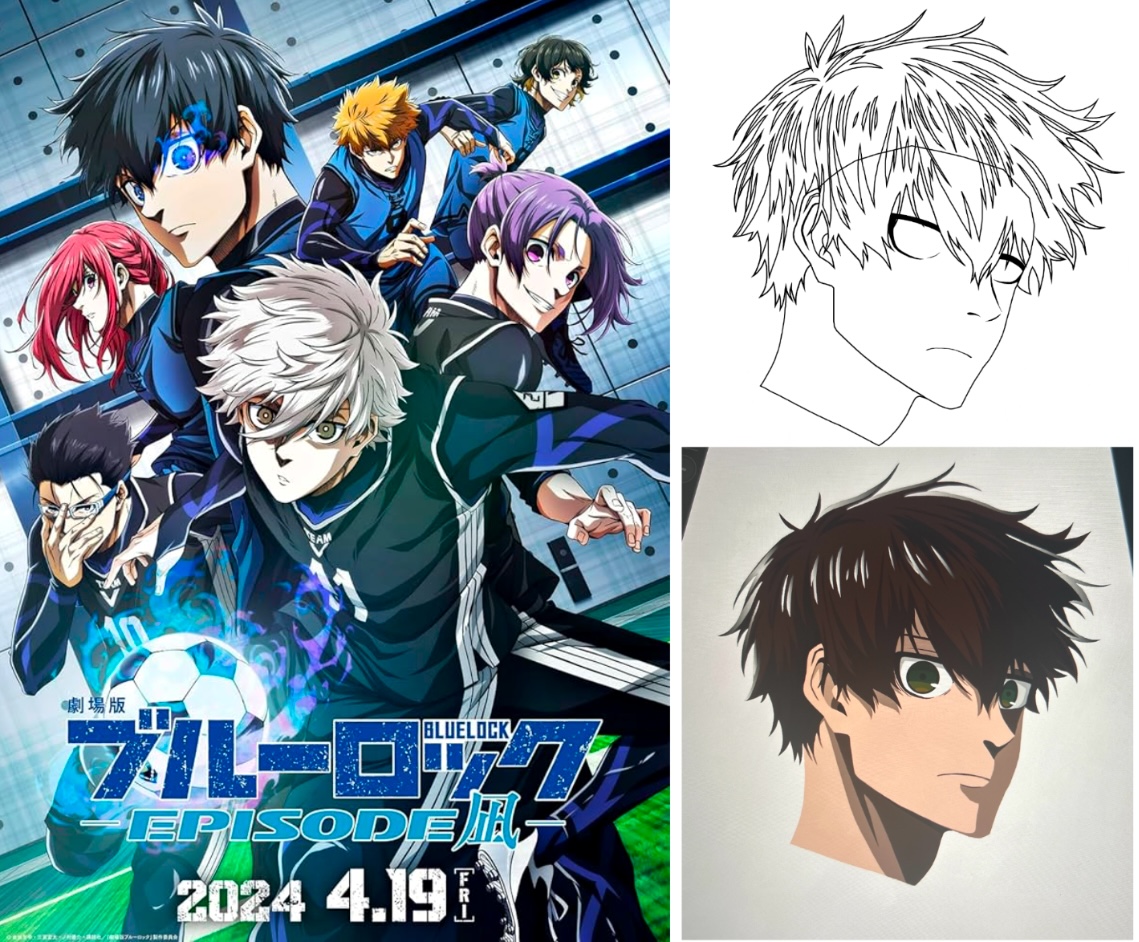
It took a lot of vector points to get the curves smooth and the lines sharp. To create the highlights on the hair I used a gradient colour. The background is a simple, iconic cloud shape taken from one of my favourites and popular anime ‘Naruto’ and creates a pleasing pattern with its bold line and colour.
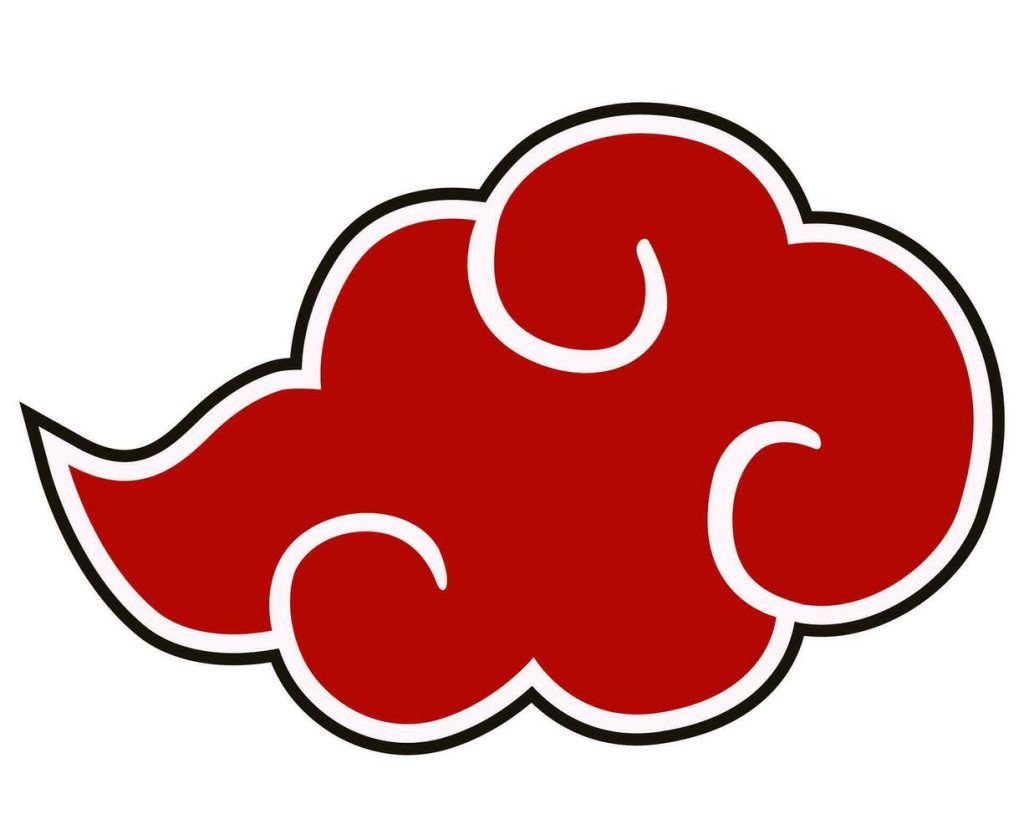
Figure References
Figure 3. IMDb. (2024) Gekijô-ban Blue Lock -Episode Nagi- https://www.imdb.com/title/tt28671146/ [Accessed 9 Dec 2024].
Figure 4. Masashi, K. (2002) Naruto, Akatsuki Logo https://1000logos.net/akatsuki-logo/ [Accessed 11 Dec 2024].